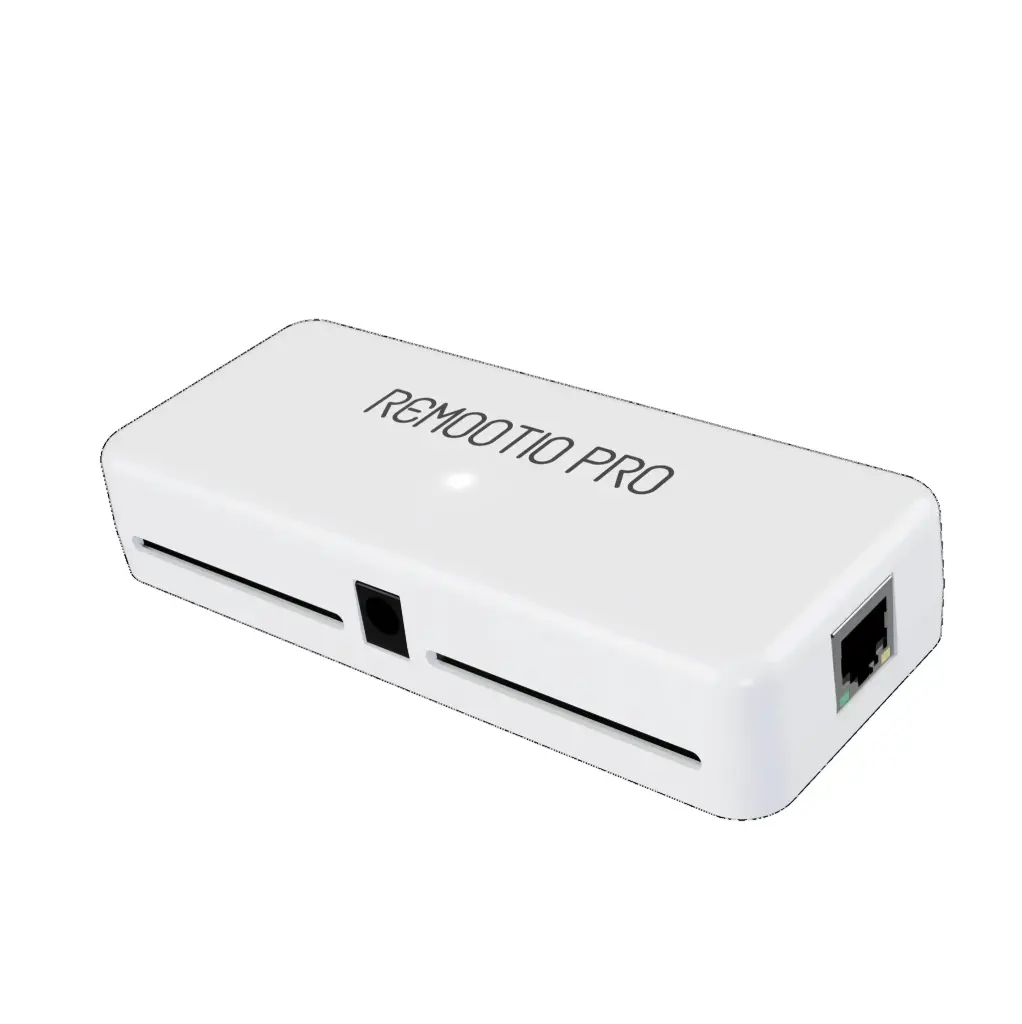
Remootio PRO Phone/Web Management Access Controller (Wiegand Controller) + Sensor + Power Adapter (AU) (Android and IOS, Apple Home, Google Assistant ,Apple Watch Watch, Samsung SmartThings)

Remootio Pro
Flexible, scalable access control for businesses, hotels, commercial spaces, and multi-door installations. Remootio Pro is a Smart Access Controller for electric locks, gates, doors and barriers.
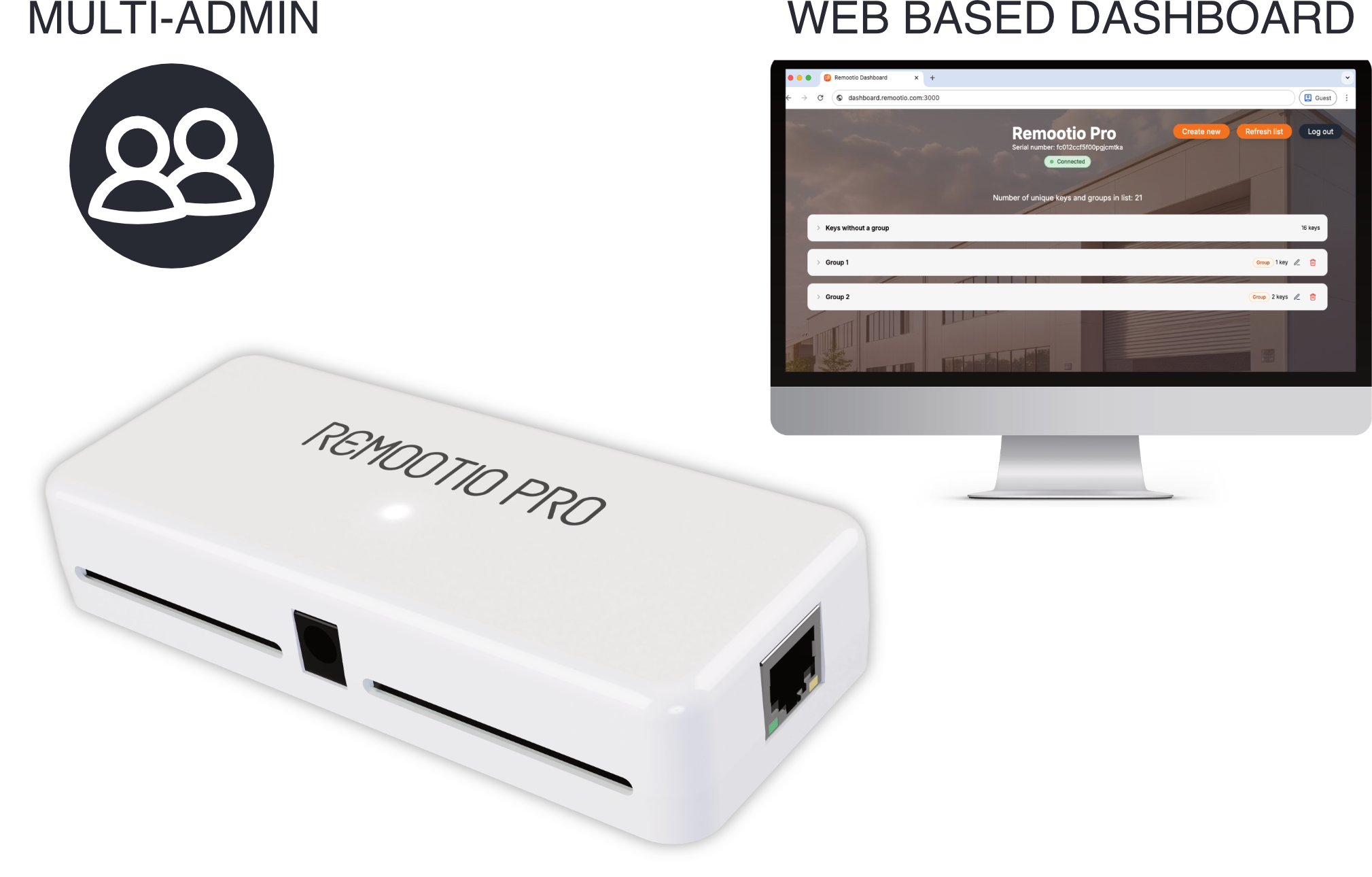
With the multi-admin support, and web based dashboard it is easy to manage up to 2000+ users.
Connectivity
Bluetooth 5.0
Wi-Fi (2.4 GHz)

Ethernet
Internet (remote access)
Input / Output
3x Relay Outputs (NO/NC)
2x Wiegand Inputs (keypad / card reader)
2x Inputs: contact sensor, push button, limit switch
Input power: 5-24V
Software

Web based dashboard

User groups, multiple admins

User management 2000+ users*
iOS/Android app
Accessories

Camera
Card reader
microSD card (logs, backups)
Keypad
License plate recognition (LPR) camera

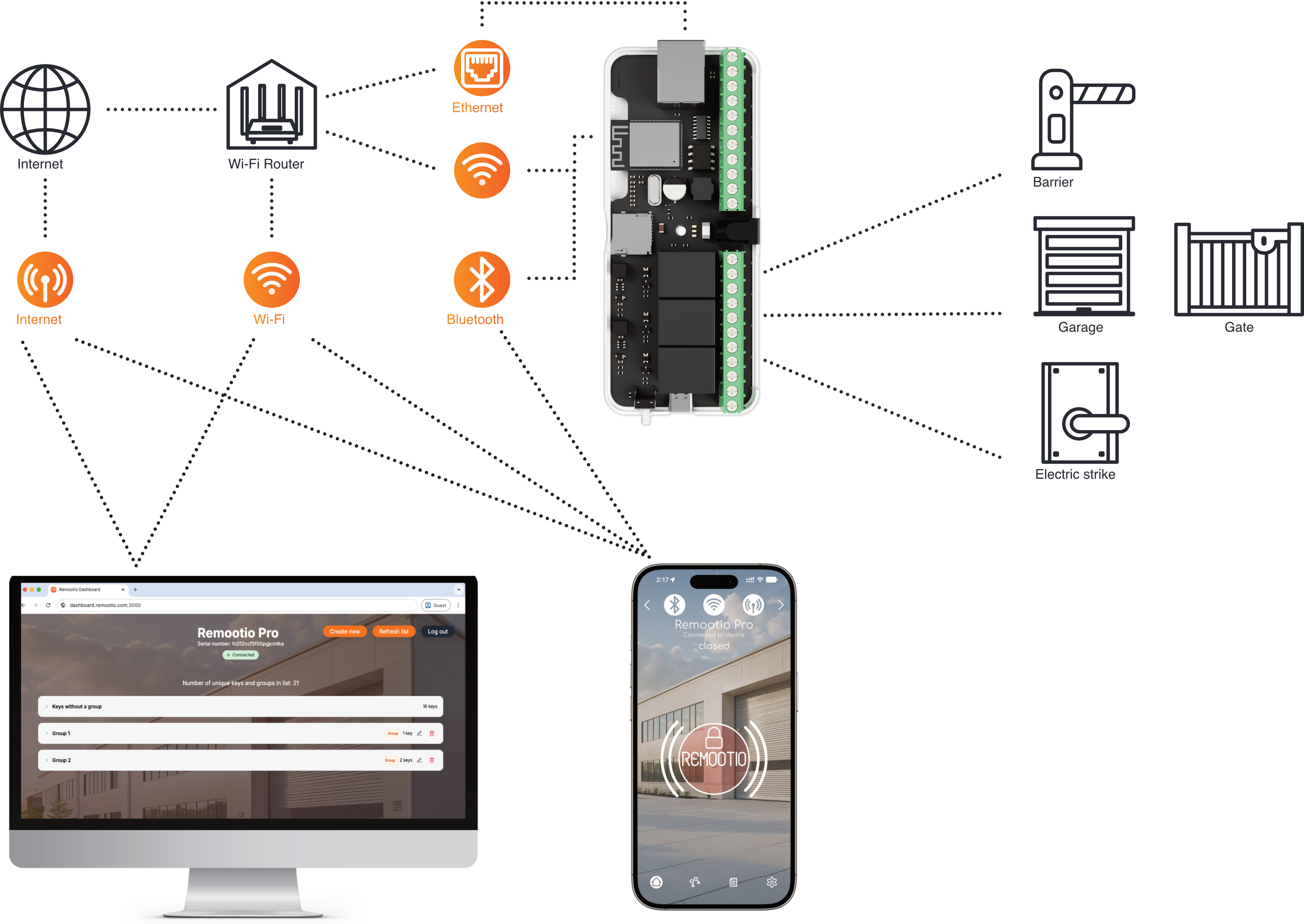
Multiple simultaneous connections
- Remootio Pro can connect to your local network using both Wi-Fi and Ethernet at the same time
- The smartphone app automatically connects to the device via Bluetooth, local network, and the internet simultaneously for the most stable connection — no manual selection required
- In addition to the app, you can easily manage access from your computer using the Remootio Pro dashboard
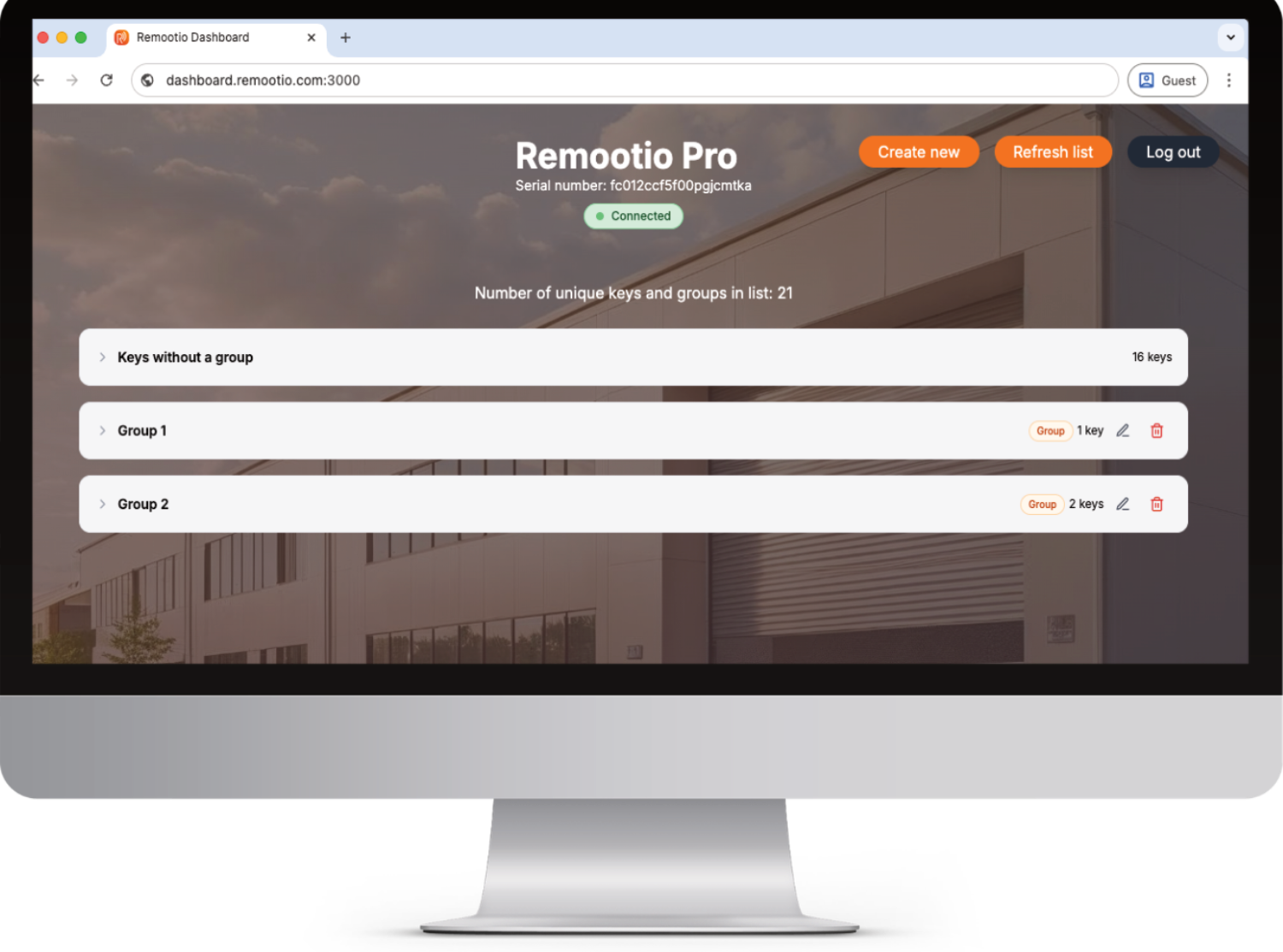
Web based dashboard
- With Remootio Pro you are able to manage access rights of users and groups from a web based dashboard
- Secure connection with the Remootio Pro device ensures safe editing from anywhere, with instant updates on the device itself
- The built-in search field makes it easy to edit users even if there are 1000+ key shared
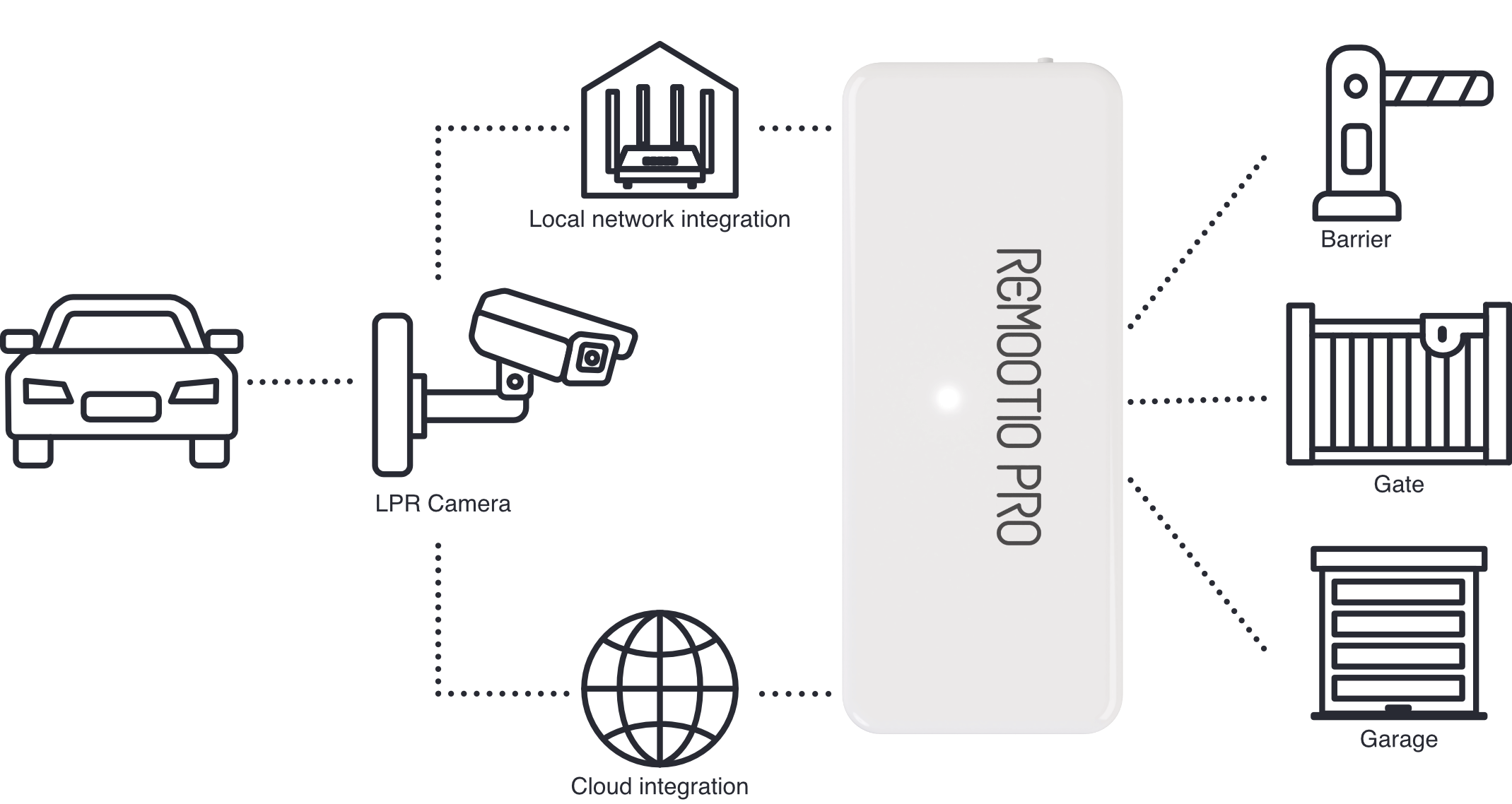
License plate recognition (LPR) camera
- Remootio Pro works with up to 3 License Plate Recognition (LPR) cameras. Configure your LPR camera to send webhooks to the Remootio Pro via the Local Area Network, or via our Cloud API.
- Which user / group is allowed to enter using a license plate can be restricted.
- Manual LPR: Add license plates manually to users in the app or web dashboard.
- Automatic LPR: Learns the license plate automatically for a user who has valid access (e.g. via PIN Code or RFID card) after the first successful entry. Validity period and restrictions can be set.
Ways to open
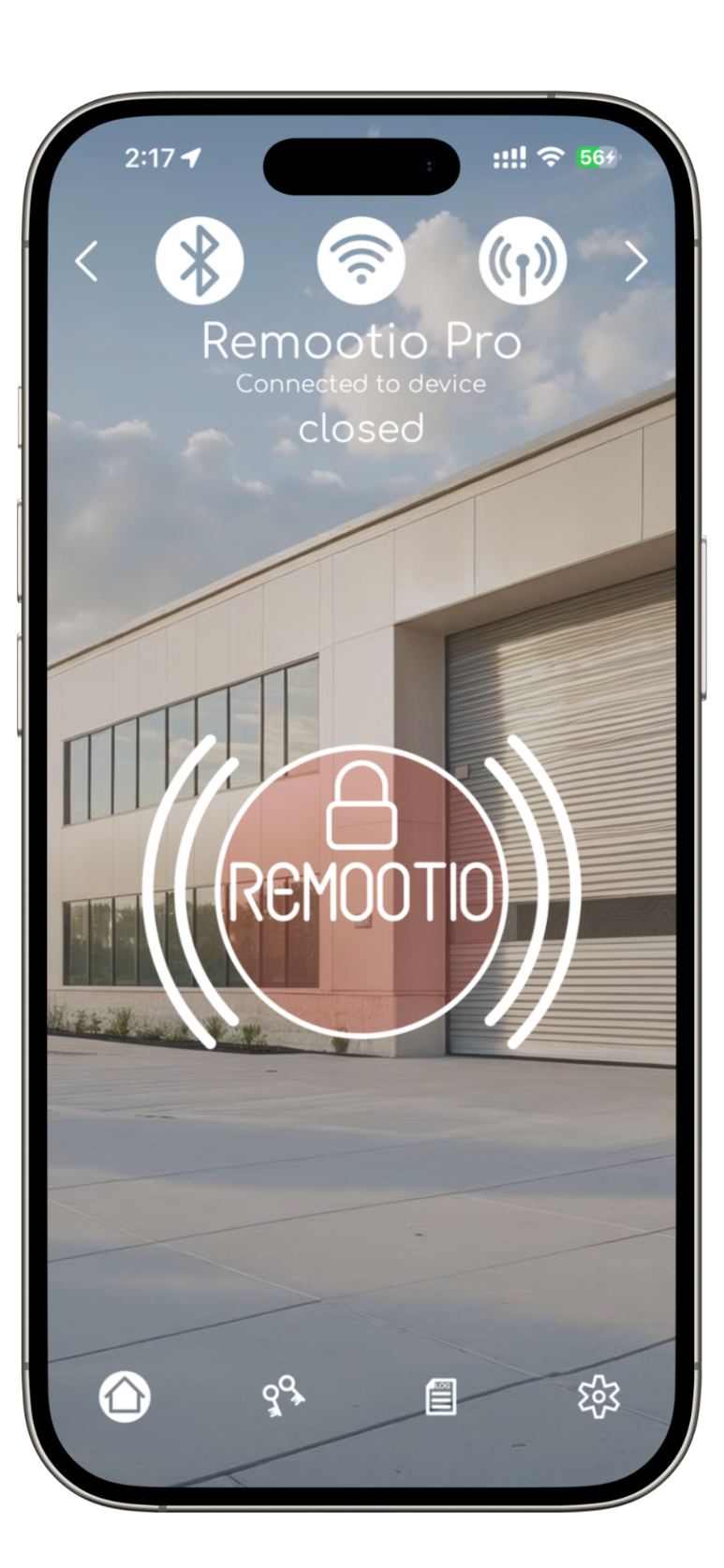
Phone App
Operate via Bluetooth, Wi-Fi, Internet or Ethernet

App-free key
Open the gate or door instantly via secure QR code or web browser link. No app installation required.
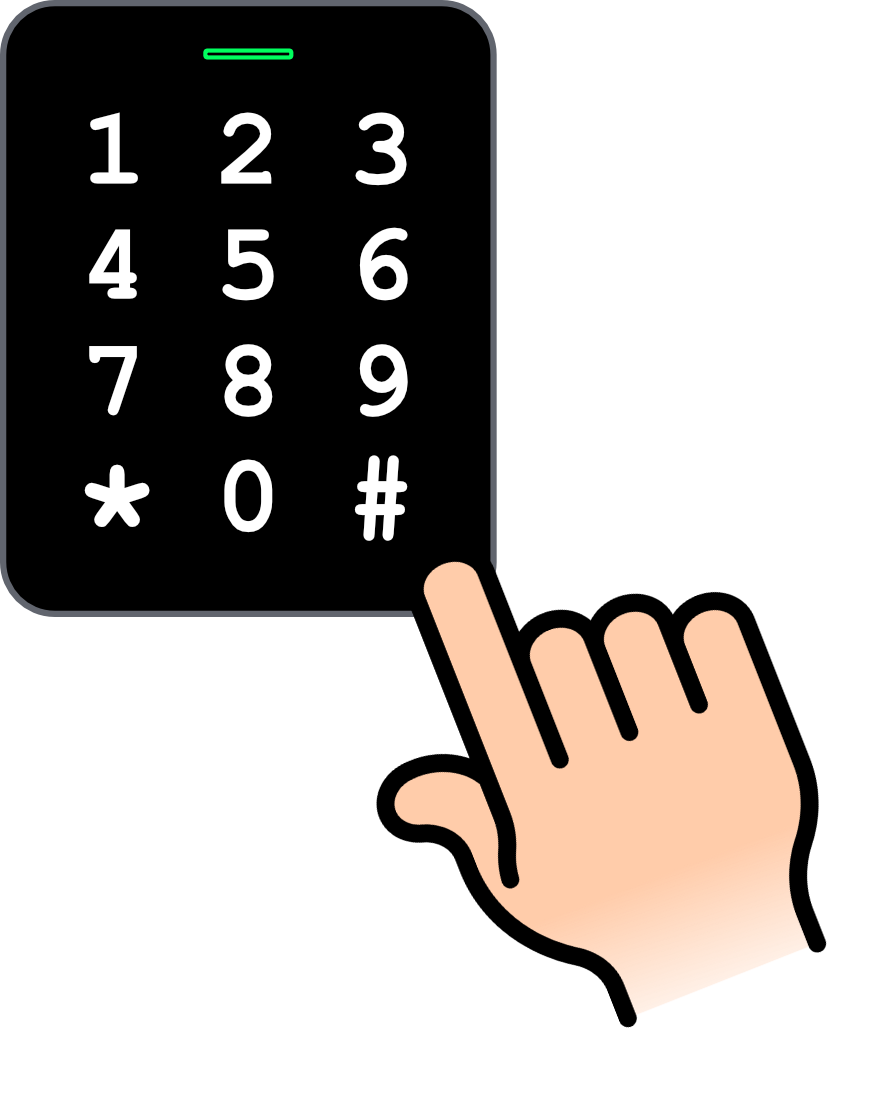
Keypad PIN code
Enter PIN code on keypad.
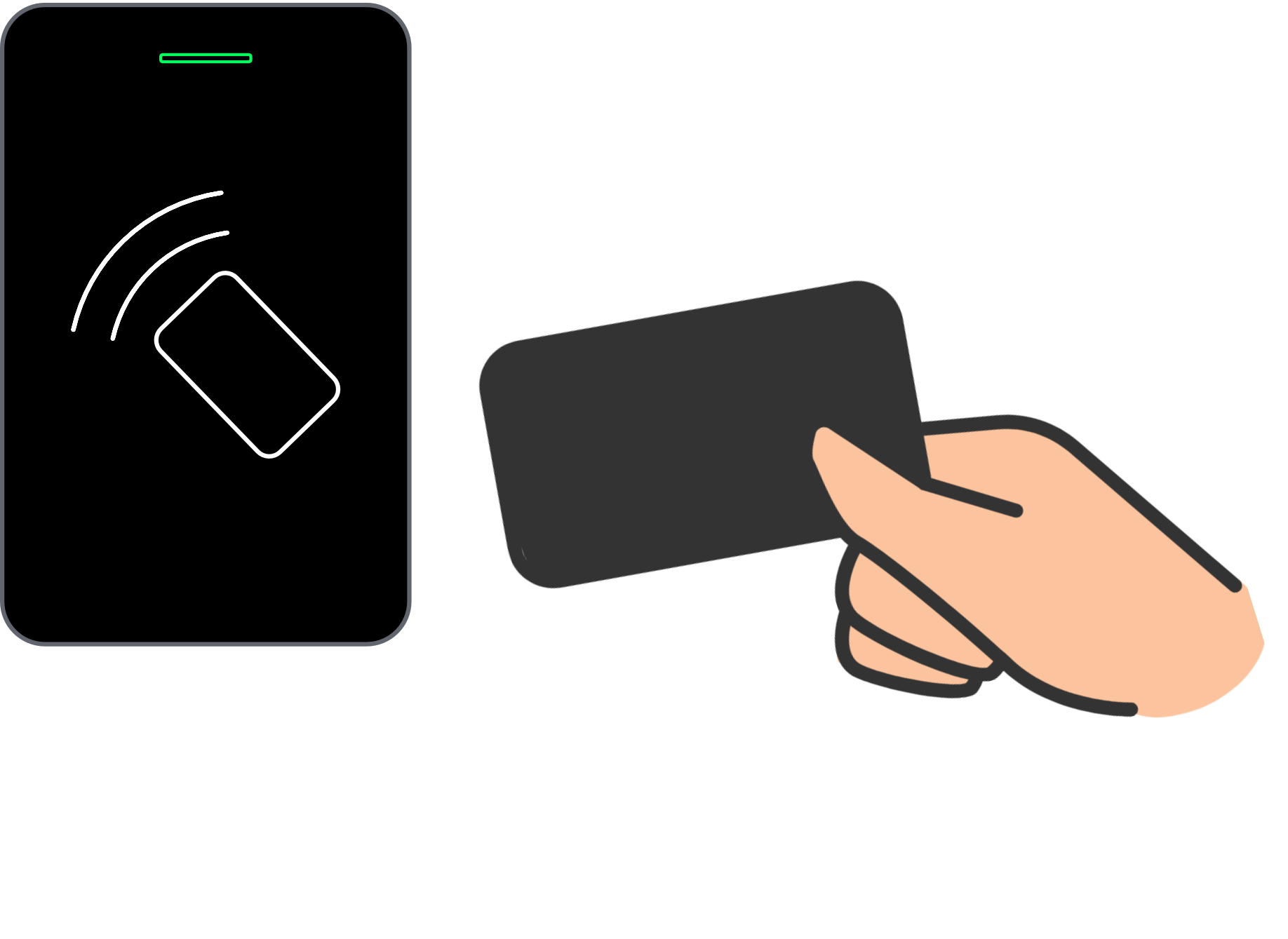
RFID Card
Tap RFID card or tag.
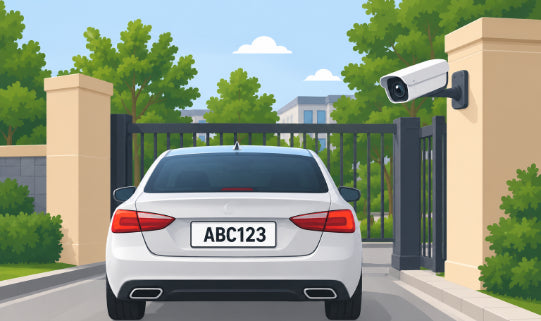
License Plate Recognition
Set up license plates to open the gate automatically using an LPR camera
Example users
Residents
Mobile app access (Bluetooth / wifi / internet)
Unlimited access
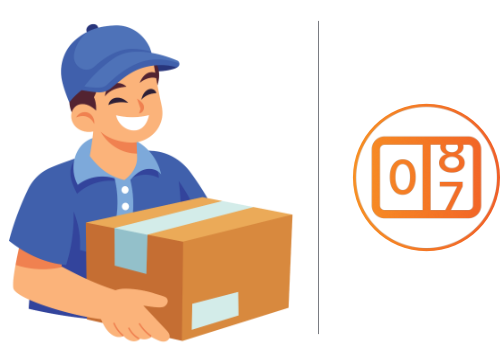
Delivery staff
APP-free link / QR code only
Max Usage count: 1

Cleaning staff
Keypad PIN code access during working hours
08:00 - 17:00 Weekdays

Maintenance team
RFID Card access restricted to specific gates
Output 1 & Output 3 only
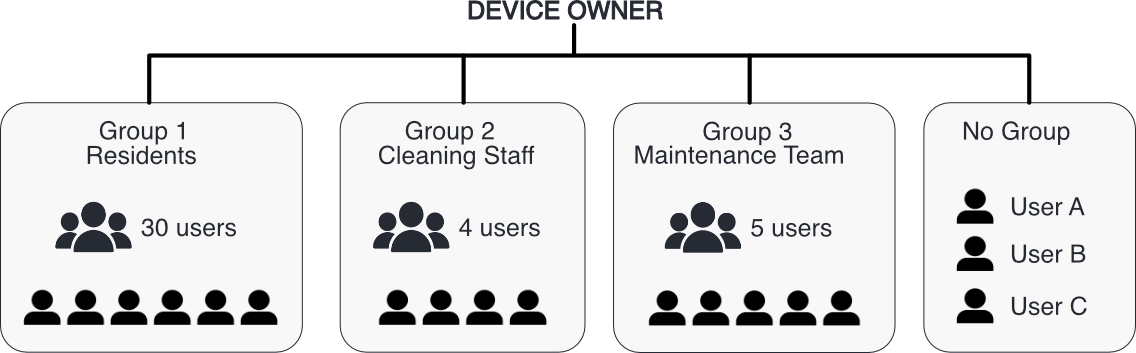
How users are in groups
Organize users into groups and define access rights for each group.
Group restrictions apply to every user inside that group. If a user's personal rights are wider, the group restrictions still apply.
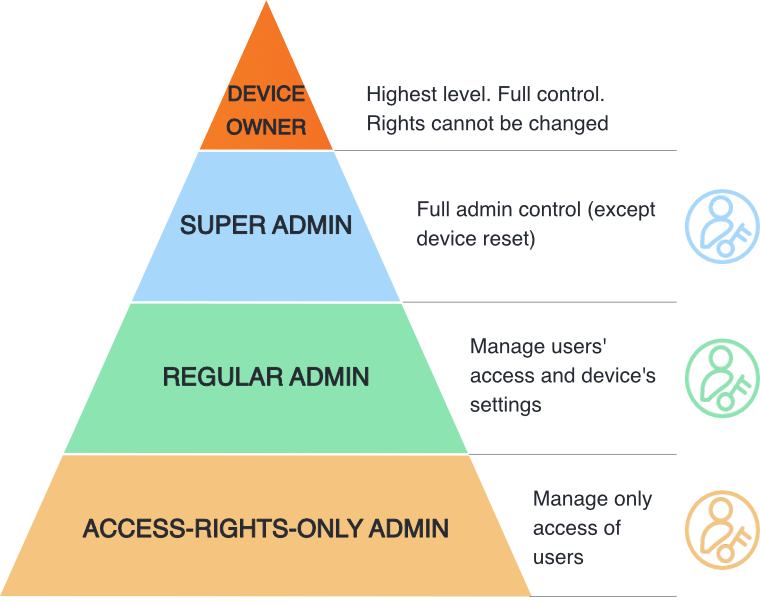
Multi-admin
Remootio Pro has different levels of administrator rights for flexible user management in various applications.
Roles and permissions
- Device owner
- Super admin
- Regular admin
- Access-rights-only admin
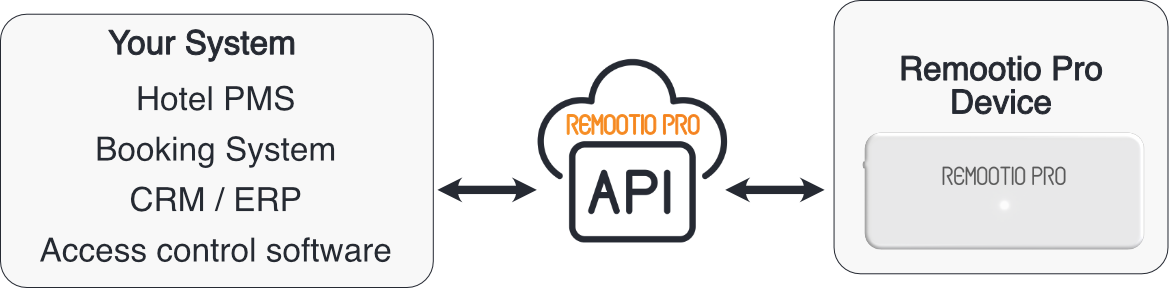
API
Integrate Remootio Pro into your own system. Our web-based API allows you to control the device and manage users programmatically, from Hotel PMS, Booking System, CRM / ERP, Access control software and more.
Basic API
- Open / close the gate
- Check status if open or closed
- Operate any of the device's outputs
Advanced API
- Create new user / group
- Edit key / group access rights
- Access and read log of events
Example use case: Delivery, guests, pet sitter
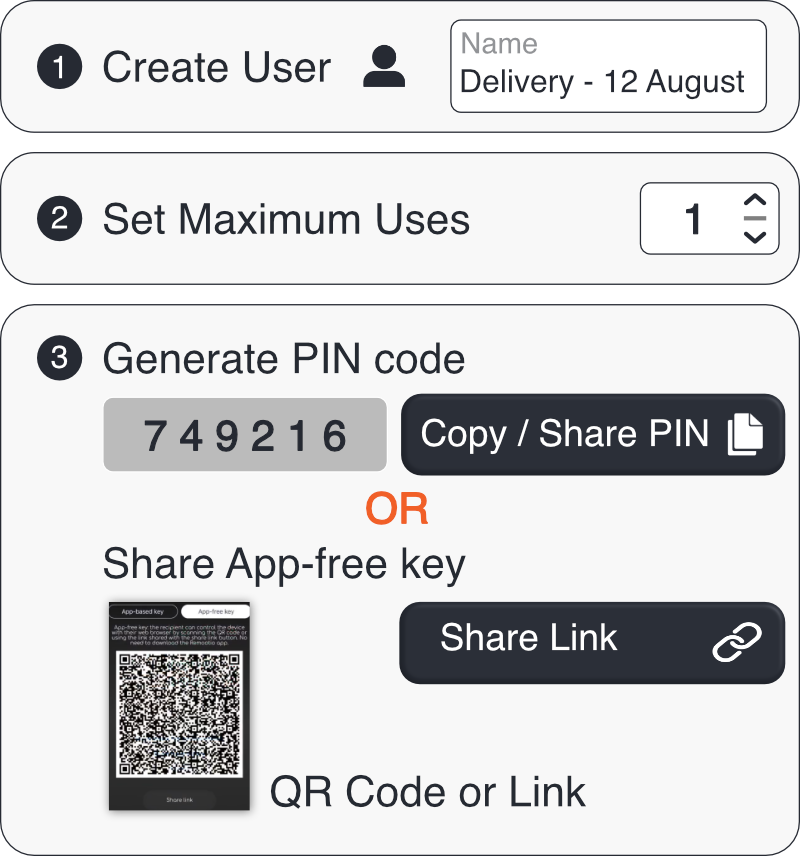
Admin setup
Create a user · Set maximum uses to 1 · Create random PIN or QR code · Set delete user after max use
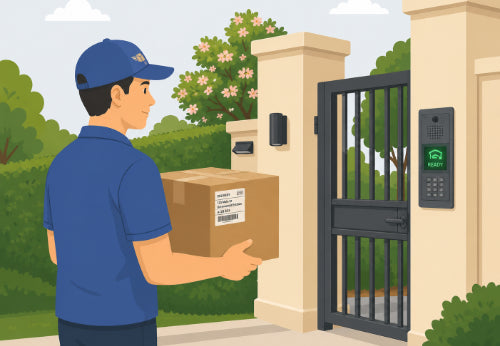
Delivery arrives
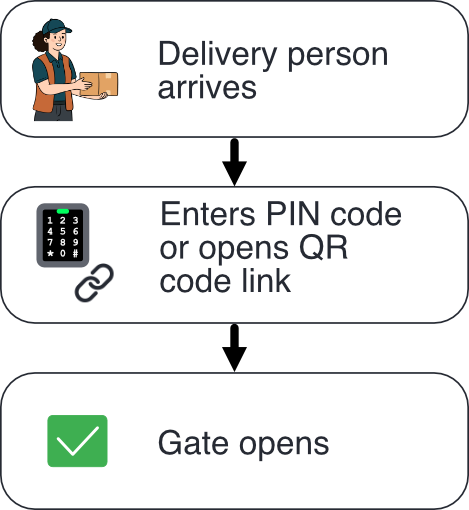
How it works
Delivery arrives · Enters PIN code or opens QR code link · Gate opens · Key is deleted automatically
Example use case: Hotel, parking lot, car rental, gym

Check-in or booking confirmed
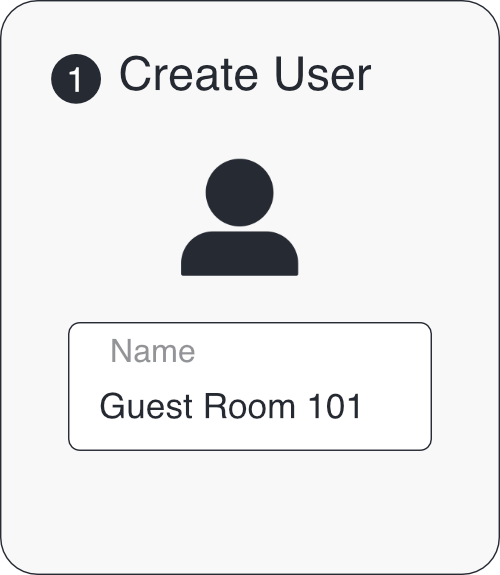
Create a user
Optionally use your own system integrated with API
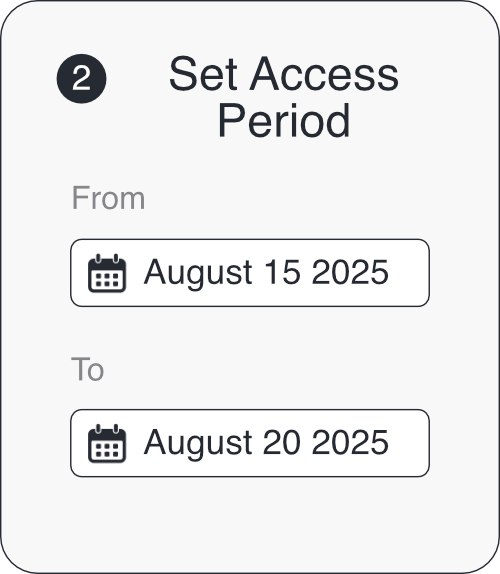
Set access period
The created user will only be allowed to open the door within this timeframe
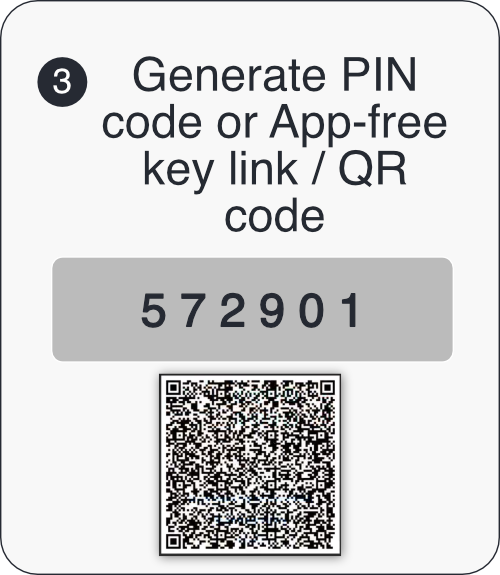
Generate PIN or QR code
The user does not need to download any app
Share credentials
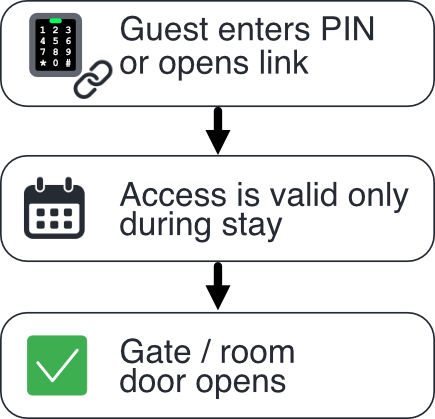
Guest enters the room
Example use case: Residential building, gated community, office, warehouse
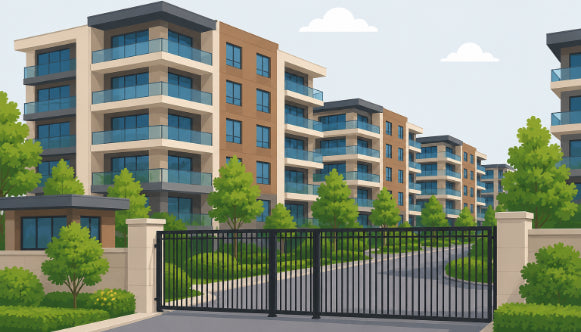
Residential setup
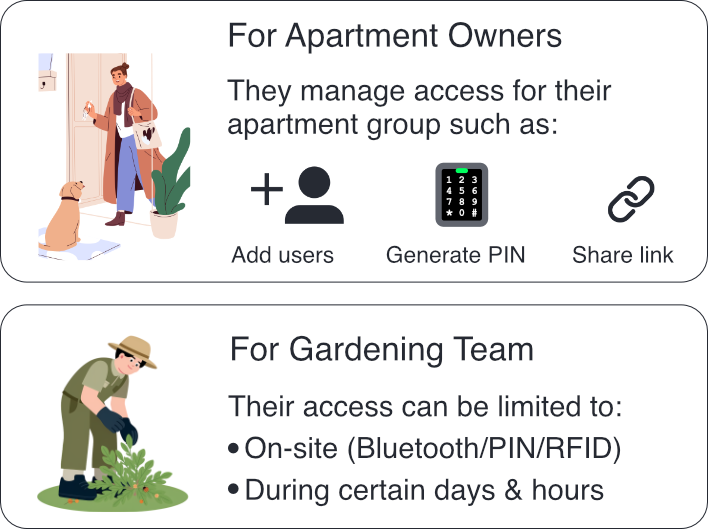
- One group per apartment, one access-only admin for each
- Maintenance / gardening group with restricted & time-limited access
- Max users in a group can be set by the creator of the group
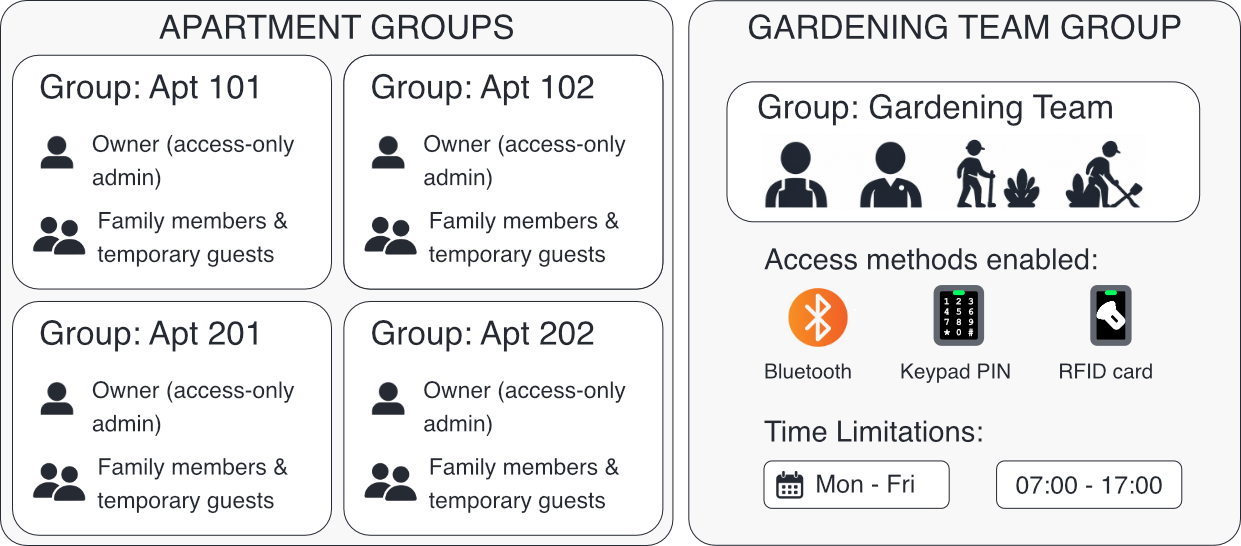
Access-only admin (owner)
- Can create users for family / temporary guests
- Set PIN code, usage limits, time limits etc. for their group
- Cannot see or change other groups or device settings
How it works
- Owners manage their apartment's access rights. For example give non-restricted access to family members, give temporary links to guests.
- Gardening team can access only during working hours, only when they are physically there (no internet access)
Access rights you can define

Web Dashboard
Web dashboard access for managing user & group access rights from a computer

Usage count
Limit how many times a user can operate the gate. Option to delete the key when max usage is reached.
Time restriction
Set one-off (from-to) or reoccurring date & time windows for user permissions.
Output restriction
Customize output name and choose which output(s) with NO / NC connection the user is allowed to operate.
Connection, accessory & admin rights
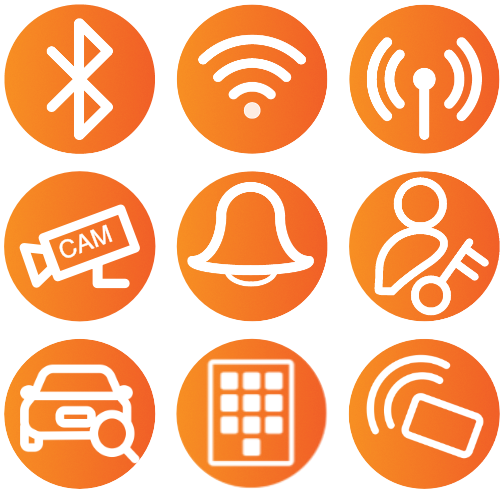
Restrict connection type, give permission to use an accessory like the LPR camera and more
What's included in the Remootio Pro package
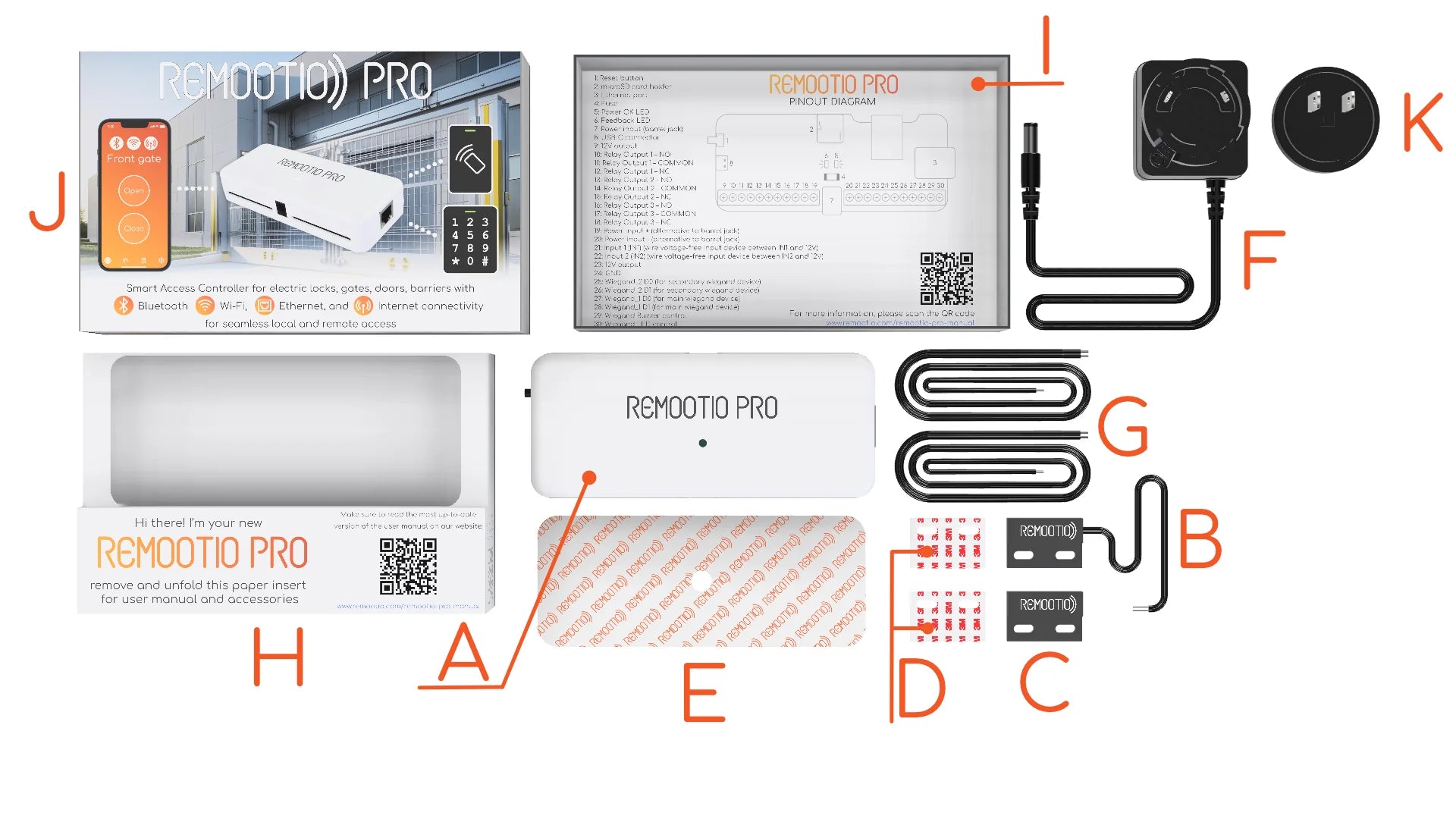
- 1 x REMOOTIO PRO unit
- 1 x Sensor (wired part | 4m / 13.12Ft)
- 1 x Sensor (wireless part)
- 2 x Double-sided adhesives for mounting the sensor
- 1 x Double-sided adhesives for mounting the Remootio unit
- 1 x Universal power adapter base (12V)
- 2 x Control wire (1 m / 3.28 feet)
- 1 x Quickstart guide
- 1 x Bottom part of packaging
- 1 x Top part of packaging
- 1 x Power adapter head (type I, AU)